

If you’re new to Unstructured, read this note first.Before you can create a destination connector, you must first sign in to your Unstructured account:
- If you do not already have an Unstructured account, go to https://unstructured.io/contact and fill out the online form to indicate your interest.
- If you already have an Unstructured account, go to https://platform.unstructured.io and sign in by using the email address, Google account, or GitHub account that is associated with your Unstructured account.
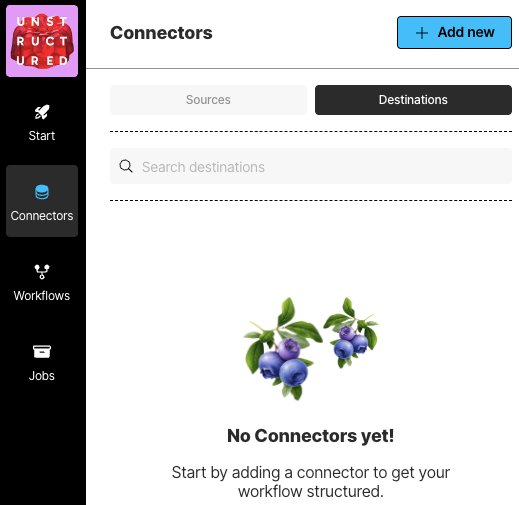 To see your existing destination connectors, on the sidebar, click Connectors, and then click Destinations.
To create a destination connector:
To see your existing destination connectors, on the sidebar, click Connectors, and then click Destinations.
To create a destination connector:
- In the sidebar, click Connectors.
- Click Destinations.
- Cick New or Create Connector.
- For Name, enter some unique name for this connector.
- In the Provider area, click the destination location type that matches yours.
- Click Continue.
- Fill in the fields according to your connector type. To learn how, click your connector type in the following list:
- If a Continue button appears, click it, and fill in any additional settings fields.
- Click Save and Test.